
Stock that flags the shortage first
Inventory reports days of cover from actual movement and raises reorder suggestions, so the shortage is visible as a countdown rather than as a stopped line.
For production operations
Stock against real consumption, an asset register that depreciates, purchase orders raised where the shortage appears, and cost control the finance team can see without waiting for month end.
The reality
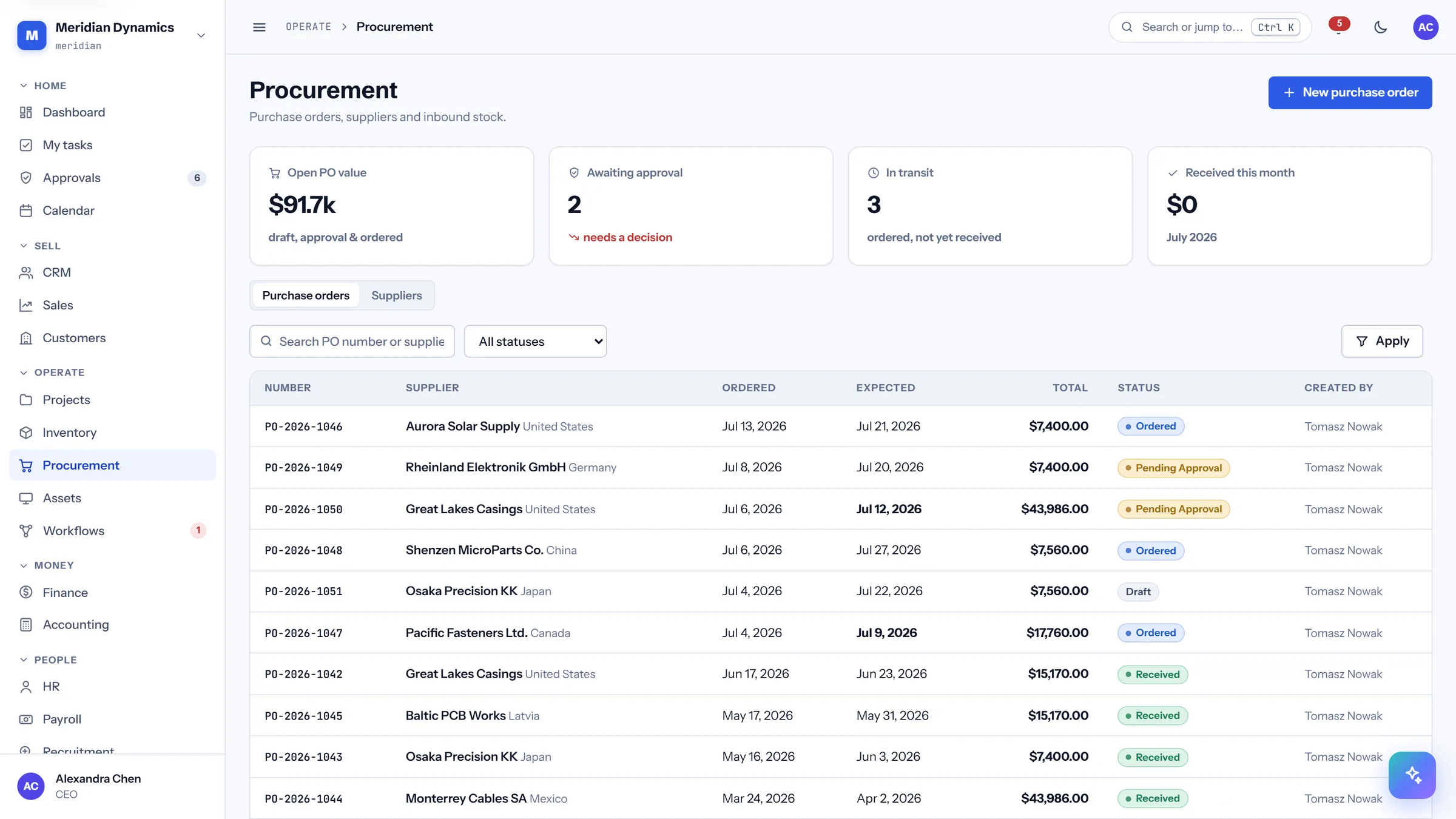
How CareIT Business OS fits
Inventory reports days of cover from actual movement and raises reorder suggestions, so the shortage is visible as a countdown rather than as a stopped line.
Procurement holds suppliers and purchase orders in the same workspace as the stock they replenish — the requisition, the approval, and the order are one chain, not three inboxes.
Assets are registered with depreciation applied by the system, so the book value on the register is computed rather than remembered, and the finance view and the floor view agree.
The finance cockpit shows net cash, budget burn against elapsed pace, and flagged expenses as they happen; the accounting journal and reports build from those same entries.
Visual workflow automations are built on a pan-and-zoom canvas, and every run is recorded in a run history — so an automated approval or reorder step can be inspected after the fact, not just trusted.
We will run shortage to purchase order to asset to ledger entry on the live product.